CLAUDE.md
This file provides guidance to Claude Code (claude.ai/code) when working with code in this repository.
Repository purpose
Personal academic website for Thomas Hasenzagl, deployed via GitHub Pages at the custom domain thomashasenzagl.com (see CNAME). Built with Jekyll (_config.yml uses kramdown markdown, plus the jekyll-sitemap plugin). Pushing to master triggers GitHub Pages to rebuild and deploy — there is no separate CI step.
Local preview
bundle install
bundle exec jekyll serve
Then open http://127.0.0.1:4000. Auto-regeneration is on, so edits to HTML/CSS reload on save. Generated output goes to _site/ (gitignored).
Requires Ruby ≥ 3.0 (Apple’s bundled /usr/bin/ruby is too old — use Homebrew’s: brew install ruby and prepend /opt/homebrew/opt/ruby/bin to PATH). The vendor/ and .bundle/ directories are gitignored; Gemfile.lock is committed.
The Google Analytics snippet is only emitted when jekyll.environment == 'production', so a plain jekyll serve never loads it. To preview the production build, run JEKYLL_ENV=production bundle exec jekyll serve.
There are no tests, linters, or CI in this repo.
Architecture
This is a small static site with a single Jekyll layout and hand-authored HTML pages:
- _layouts/default.html — the only layout. Defines
<head>metadata, nav (About / CV / Research / Teaching), footer, and the conditional analytics include. Every content page setslayout: defaultin its front matter.- Browser title: the layout builds it from
page.title, appending· Thomas Hasenzaglon every page except the homepage. A new page needs atitle:in its front matter or it falls back to the bare site name. - Nav highlighting uses
page.url contains '/research'-style checks, so a new top-level section needs its own<li>with a matching check. - Open Graph / Twitter card tags use
site.descriptionand hardcode the profile photo path forog:image.
- Browser title: the layout builds it from
- _includes/analytics.html — Google Analytics; the tracking ID is duplicated in
_config.ymlundergoogle_analytics. - index.html — homepage hero (bio + CV/Research buttons). The homepage bypasses the
.containerwrapper: the layout emits `<div class="hero-wrapper">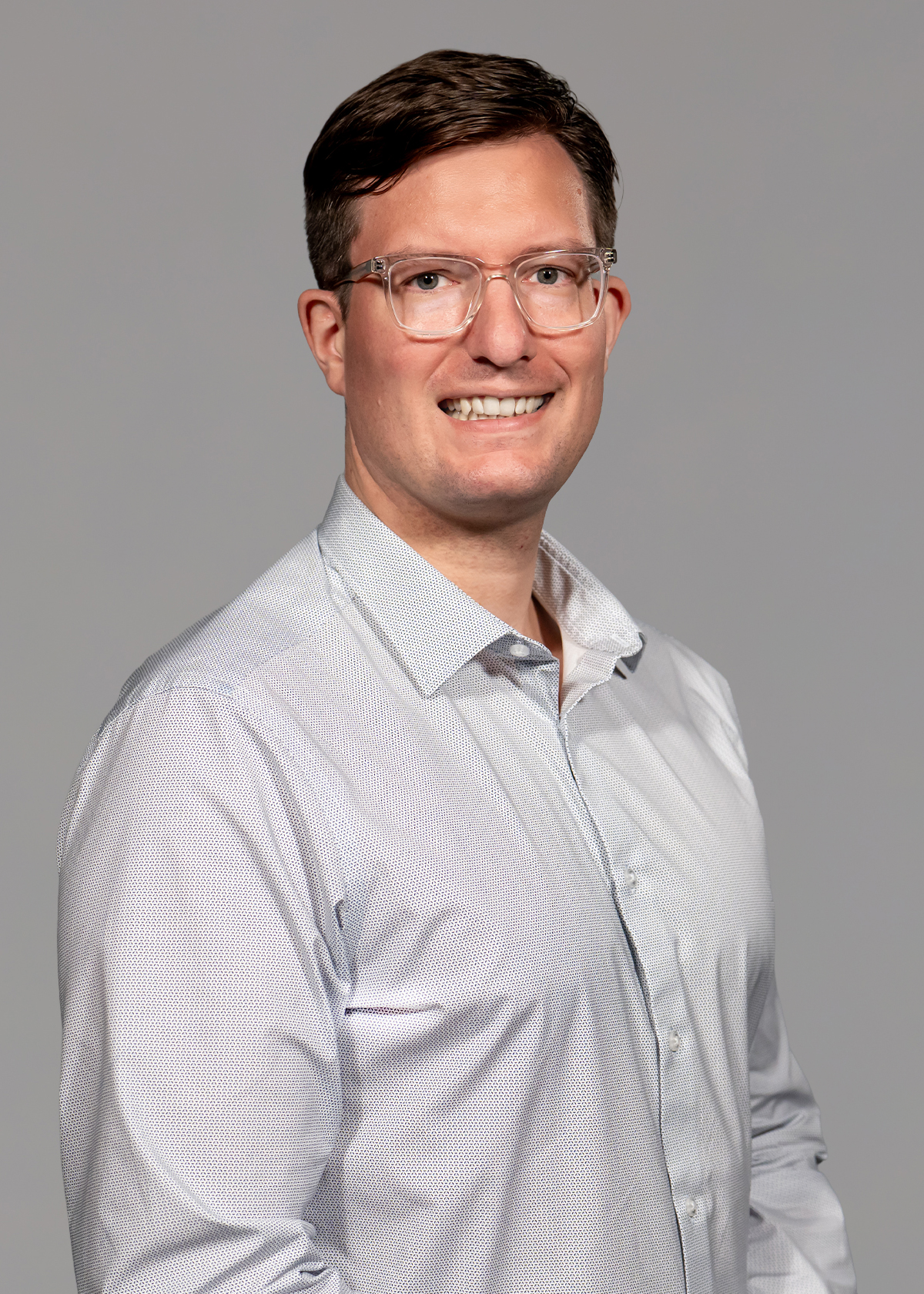
I am an Economist at the Federal Reserve Bank of Richmond. I study how firms grow, compete, and set prices, and what that means for inflation, market power, and the broader macroeconomy.
</div>
` raw when page.url == '/'.
- research/index.html — the most content-heavy page: a manually maintained list of working papers, published papers, and non-technical articles. Each entry links to a PDF in research/papers/ and (where applicable) a BibTeX file in research/bibtex/.
- teaching/index.html — teaching page.
- cv/ — the CV PDF lives at the date-less filename
hasenzagl_cv.pdfso the homepage and nav links stay stable across updates. To update the CV, replace the file in place; do not introduce a dated filename. - css/main.css — the single stylesheet, ~330 lines, organized as commented sections (reset/base, nav, links, headings, research entries, sidelink chips, hero, buttons, footer, then a
max-width: 700pxmobile block and a@media printblock at the end). Add rules to the matching section, and check both trailing media blocks when changing anything visible on mobile or in print.
Content duplicated in more than one place
- Bio text:
site.descriptionin _config.yml (used for<meta name="description">and the Open Graph description) and the hero paragraph in index.html. Changing the bio means editing both. - Profile photo filename: index.html:9 and the
og:imagetag in _layouts/default.html:16. The filename is dated (e.g.about_072025.jpg), so swapping the photo means editing both.
Conventions when editing content
- Adding a paper: add a
<p class="research-p">block to the appropriate section in research/index.html, drop the PDF in research/papers/, and (if cited) add a.txtBibTeX file in research/bibtex/. Use the existing entries as the structural template — title link, authors line, journal name in<span class="journal-name">, and<a class="small-link">for Code/Bibtex/Appendix sidelinks. - Updating the CV: replace cv/hasenzagl_cv.pdf in place. The filename is intentionally date-less so no HTML edits are needed.
- PDF and image filenames are public URLs. Renaming a file in
research/papers/,cv/, orimages/will break any existing external link (CVs, citation pages, social posts). - Paper filenames carry no dates. Files in
research/papers/use a date-less name (e.g.profitshare.pdf,growth_at_risk.pdf), so posting a new version means replacing the file in place with no HTML edit — the same convention as the CV. When a new version supersedes an old one, delete the old file rather than keeping it alongside. Six older files predate this convention only in that their names never had dates; every paper now follows it.